
To search within 6DEGREES only you must be within Explore.
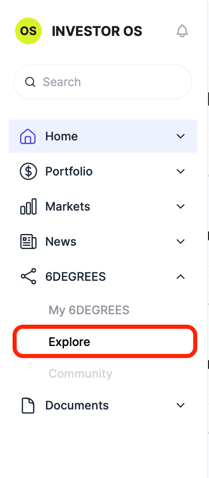
To get there, go to the navigation, click on 6DEGREES -> Explore.
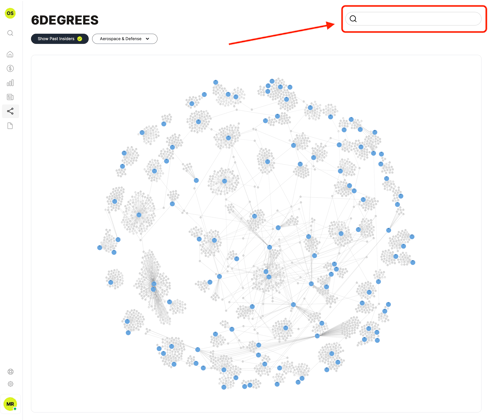
Then, any results selected from the search bar on that page will redraw the graph and reveal your result.
To search within 6DEGREES only you must be within Explore.
To get there, go to the navigation, click on 6DEGREES -> Explore.
Then, any results selected from the search bar on that page will redraw the graph and reveal your result.